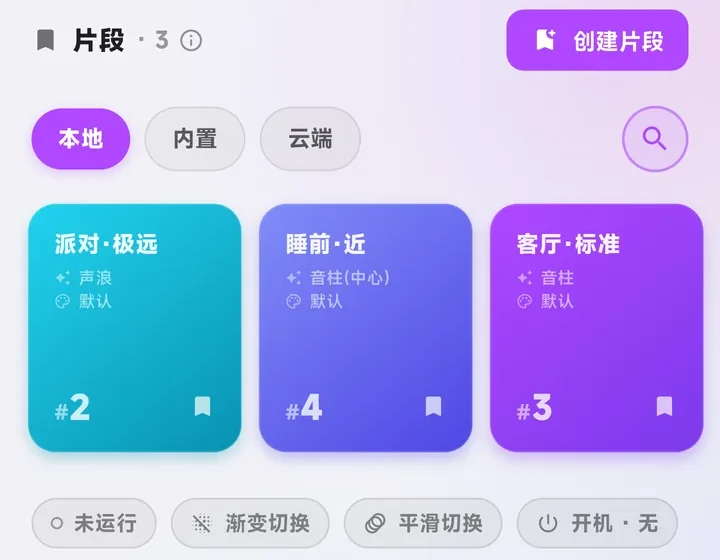
Save a few looks
Set it once. Switch with a tap.
A warm white for every day, a colorful one for guests, a soft glow for night. Save each one and switch with a tap.
Lumora app
No manual, nothing to study. It starts simple — turn on Advanced mode when you want finer control.
Save a few looks
A warm white for every day, a colorful one for guests, a soft glow for night. Save each one and switch with a tap.
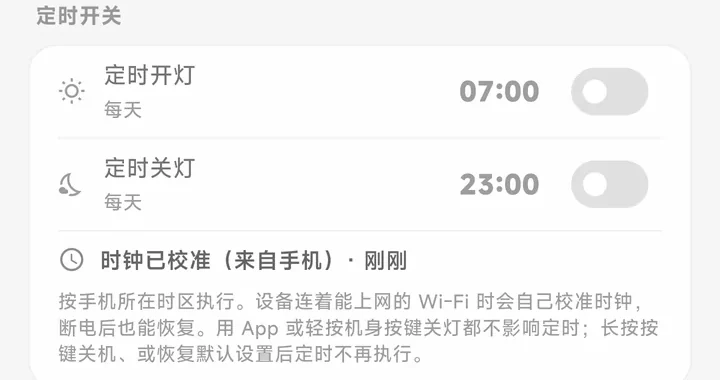
Schedules
Set an on time and an off time — every day, weekdays or weekends — and let mornings fade in. Schedules are saved on the case, so your phone doesn’t need to stay open. Needs Wi-Fi with internet.
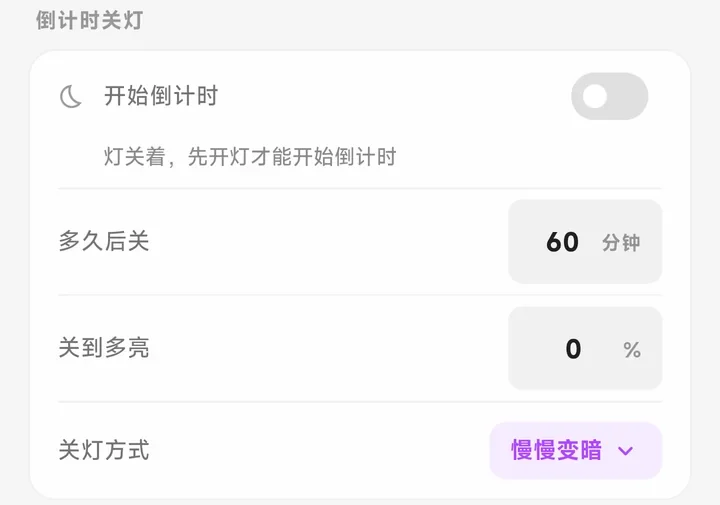
Sleep timer
Start a countdown and the light eases out at the end. Choose how long, how dim, and how it goes out.
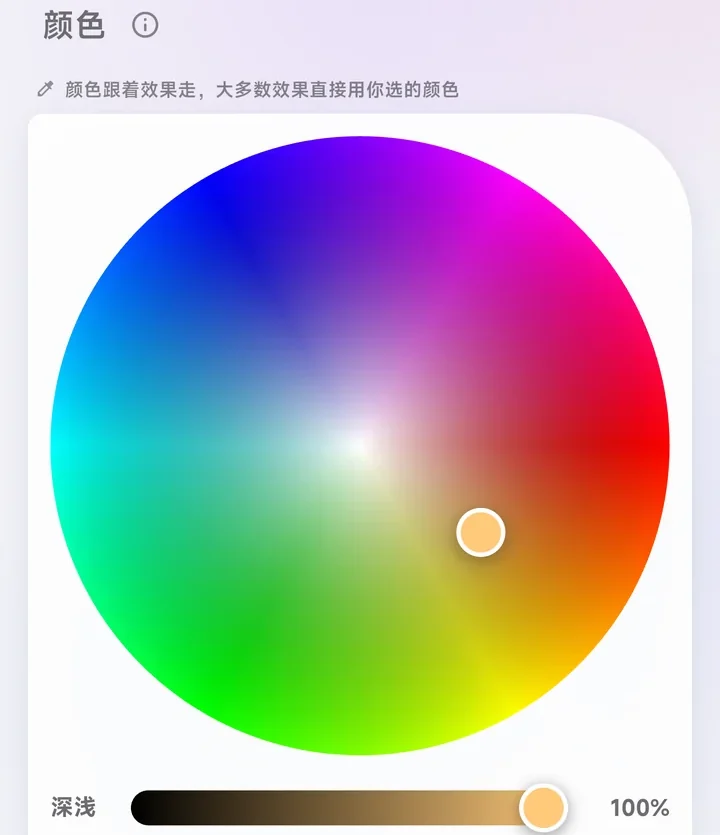
Color & white
Turn the wheel for a color, or slide toward a warmer or cooler white. Pick a solid color and it simply stays — no animation.
No Wi-Fi? Still works
Once it’s set up, control colors and effects over Bluetooth when there’s no Wi-Fi around. Your saved looks live on the case, so a new phone finds them too.
Always plugged in
Charge level you can read at a glance. Left plugged in, it holds the charge at 80% to reduce wear — and you can top it up to 100% before taking it somewhere.